TAFE TEACHING
Murwillumbah TAFE 2012
Cert IV Vis Arts & Contemporary Crafts
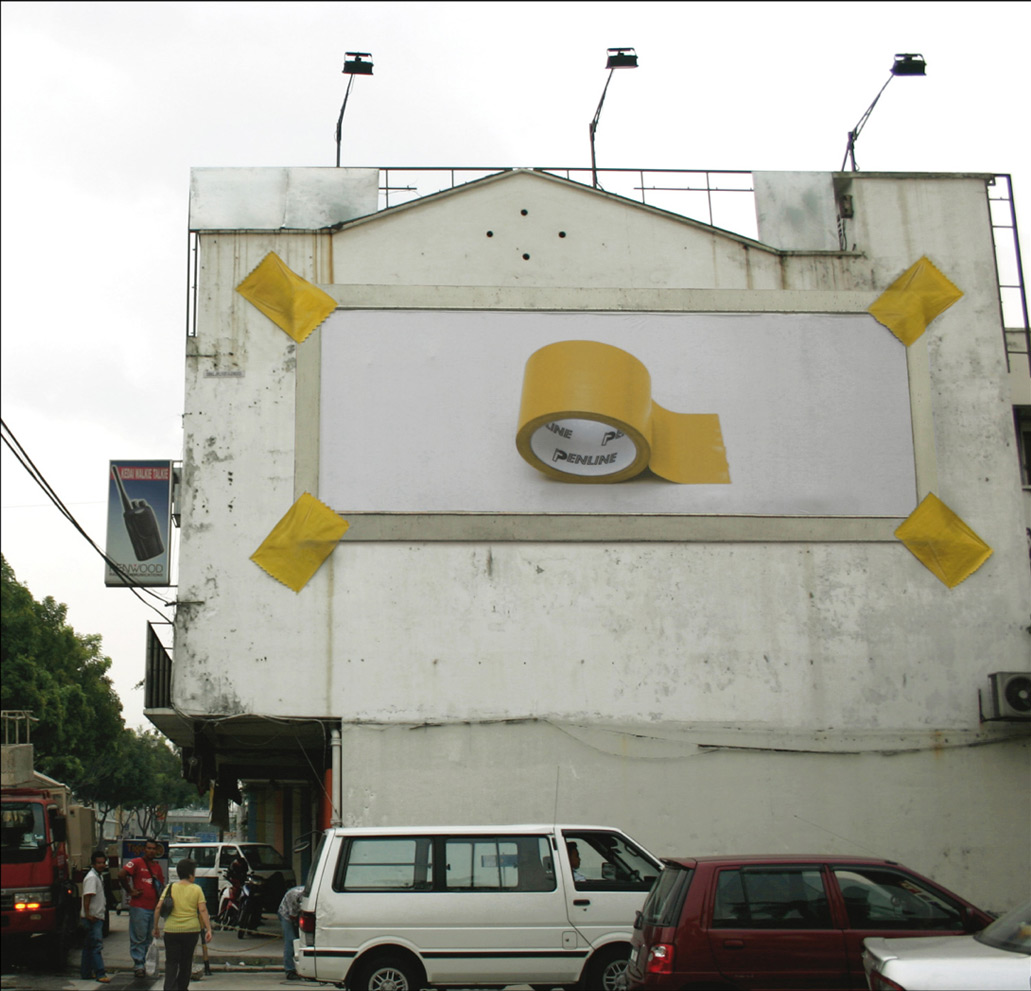
Module Name: Apply techniques to produce digital images (CUVVSP11B)
Overview
• Prepare and maintain resources for digital imaging production
• Explore digital techniques to plan work
• Realise digital images
Teacher: Dr Kurt Brereton (0414568221)
Email: kurt@kurtbrereton.com
OUTLINE
Class 1 Anatomy of a digital image + using the computer lab and software.
Class
2 Photoshop - scanning images
Class
3 Photoshop - image manipulation tools - layers
Class
4 Photoshop - image manipulation tools - masks, erasure, magic wand
Class
5 Photoshop - image manipulation tools - applying text
Class 6 Photoshop - image manipulation tools - layers
Class
7 Photoshop - image manipulation tools - colour pallets
Class
8 Photoshop - image manipulation tools - filters effects
Class
9 Class Presentations of your work - critical feedback session
What you have to hand in at the end of course is:
Present 3 completed digital images that demonstrate your use of PhotoShop and image scanning techniques to reflect the design brief supplied below. Present a workbook with concept development sketches of your ideas for 3 print ads. Note how your print ad message or idea was realised ie what were the production steps your used to create your finished print. This will include imaging effects (eg PhotoShop filters etc) and creative strategy (eg layering, masking, collaging different image siources etc). NOTE: Hand in 3 A4 hard copy prints in a portfolio with your workbook.
Design Brief:
Online resource links – go to http://www.kurtbrereton.com/tafemurbah.html |
Please read carefully the Student Assessment Guide, which outlines the requirements in detail to successfully complete this unit of competency.
Competency and Performance Criteria
- Prepare and maintain physical computer and scanner resources for the production of digital images
- Use and test digital imaging techniques using PhotoShop software
- Produce digital images in the form of print advertisements for a range of contexts and outcomes – magazines, billboard, CD cover art.
Assessment
Demonstrate competency in production of digital images – techniques and technology used to produce images.
Evaluation of visual language and technical execution of ideas used to realise brief.
Method of assessment – review in class presentation and by written feedback of completed prints and workbook of concept development for each task.
TAFE COURSE - resource links
Best Print advertisements 2011
http://pixelpinch.com/2011/07/top-print-advertisements-of-2011-biannual/
30 Hilarious Print Advertisements
http://spyrestudios.com/hilarious-print-ads/
NAVA
http://www.visualarts.net.au/
NAVA OH&S
information
http://www.visualarts.net.au/advicecentre/healthsafety
SAATCHI Online
Art Gallery
http://www.saatchi-gallery.co.uk/yourgallery/
click on logo below to go to online gallery templates



ARTIST'S
WEBSITE DESIGN COMPANY
http://www.studiowahdesign.com/ecards/artists/